DEMO MODE
Demo version of the client
Install the LabelPilot client and turn on demo mode: sample products and label templates are loaded. Without a scale, a built-in simulator is used.
Windows 10 / 11 · standard or touch screen
Client only. Demo mode requires no server and no licence.LabelPilot · Labelling station · demo
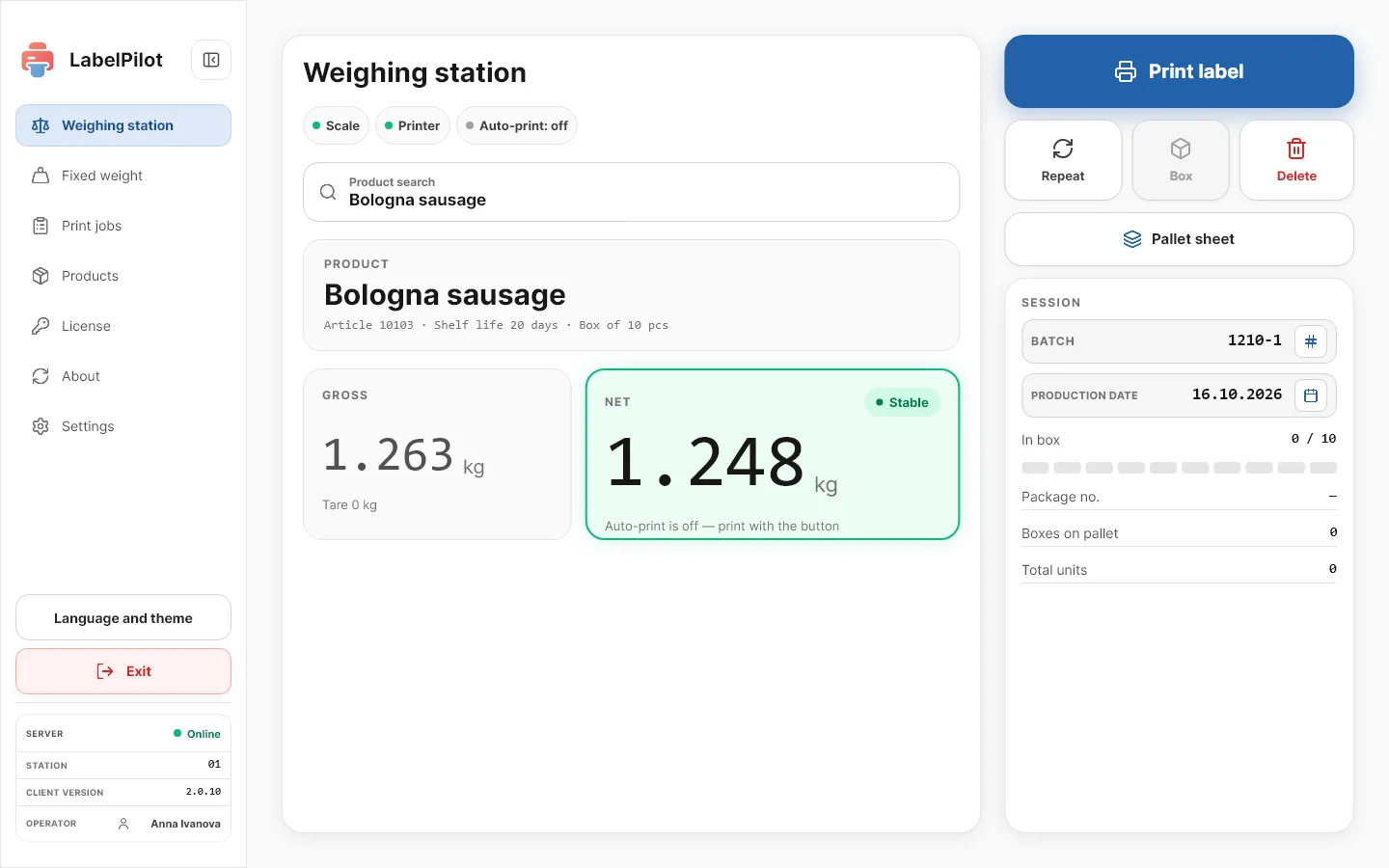
How to start the demo
01Download and installA Windows installer; installation takes a few minutes.
02Turn on demo modeSettings → “Demo mode”: sample products and label templates are loaded.
03Print a labelPlace a product on the scale or use the simulator: the label is printed once the weight is stable.